 Viewport to PhotorealRecreate
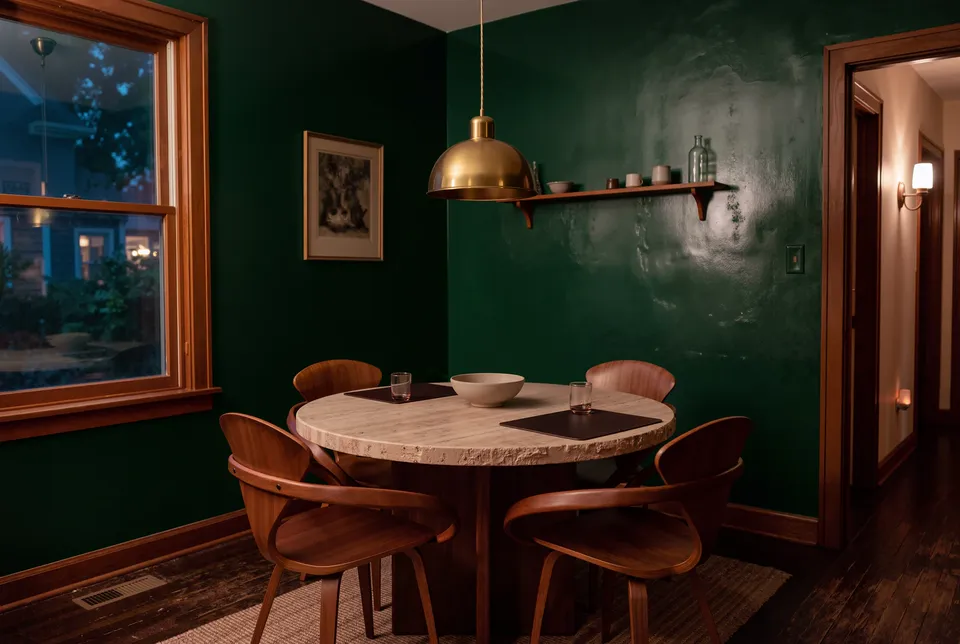
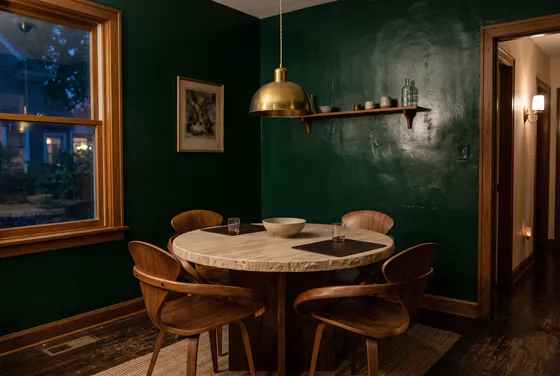
Change only one surface (floor, walls, worktop, facade or roof) to a new material. Everything else stays untouched.
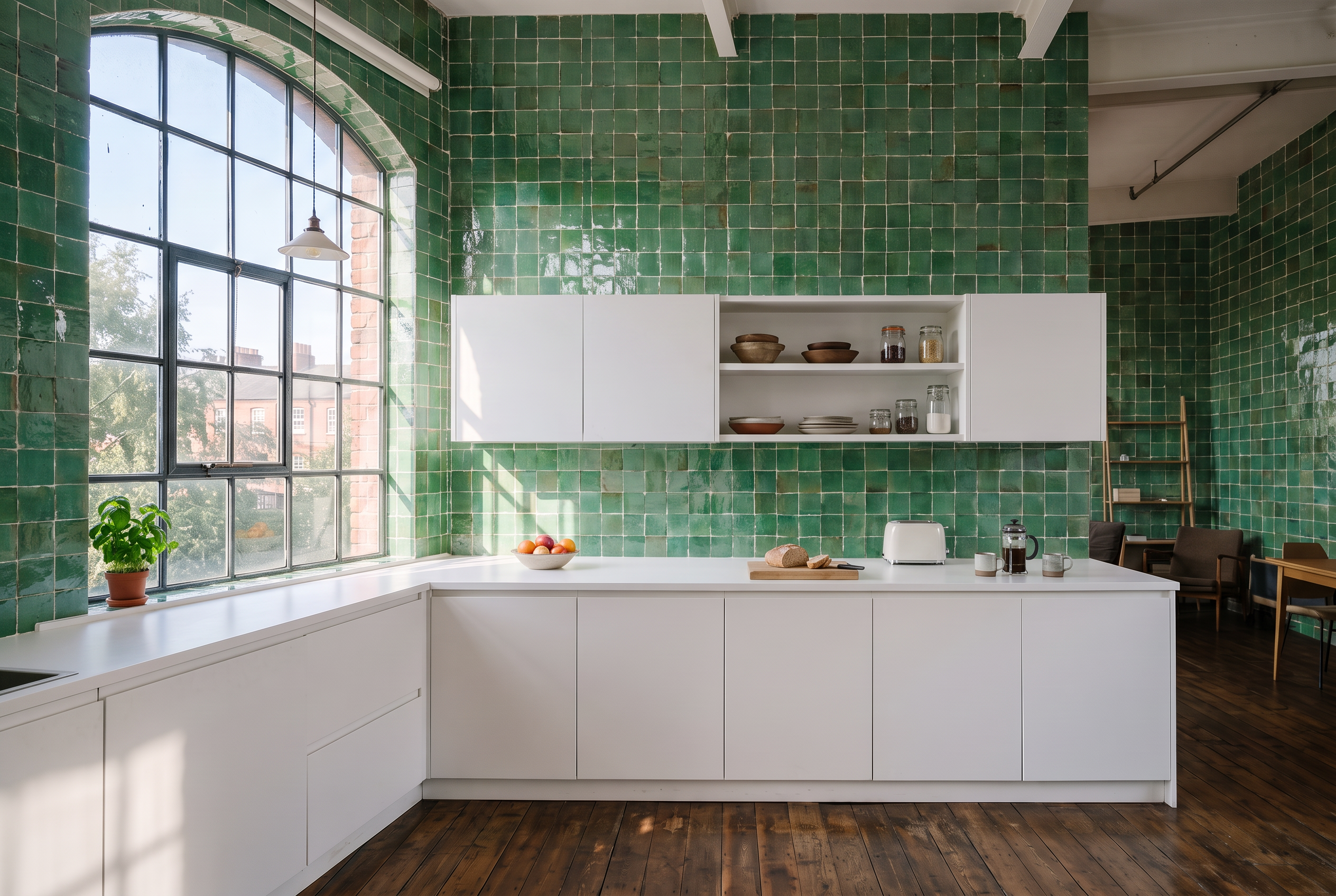
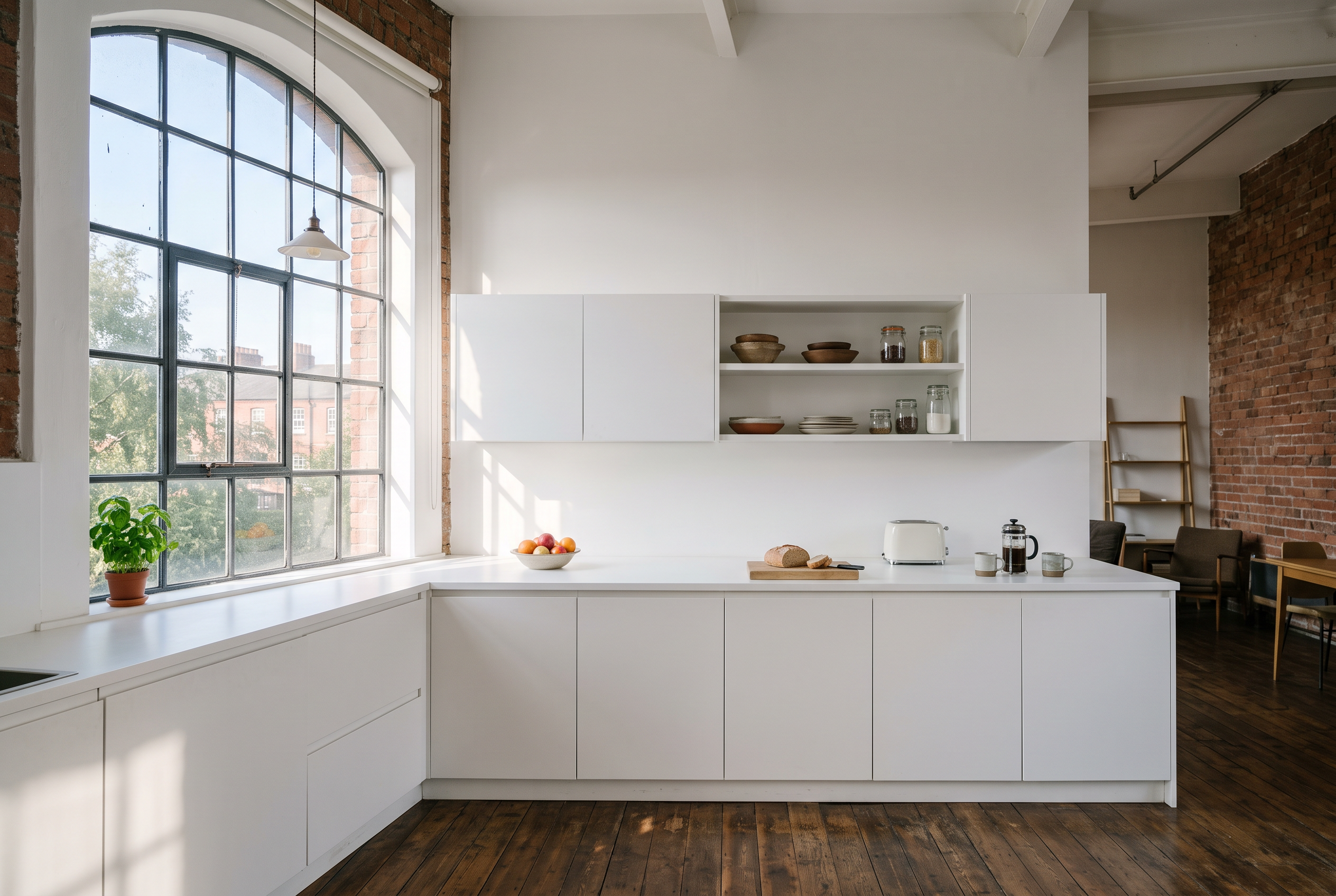
Step by step
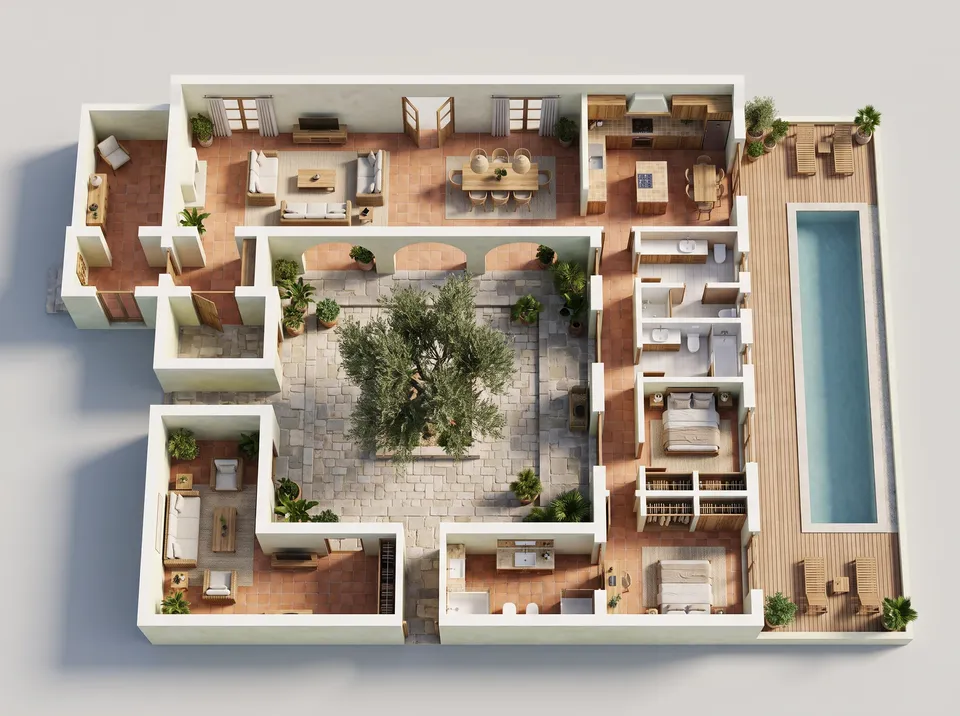
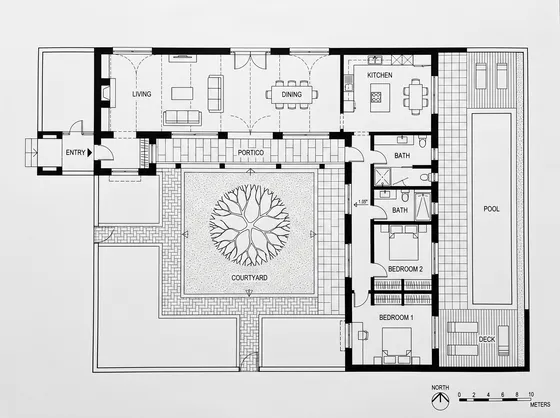
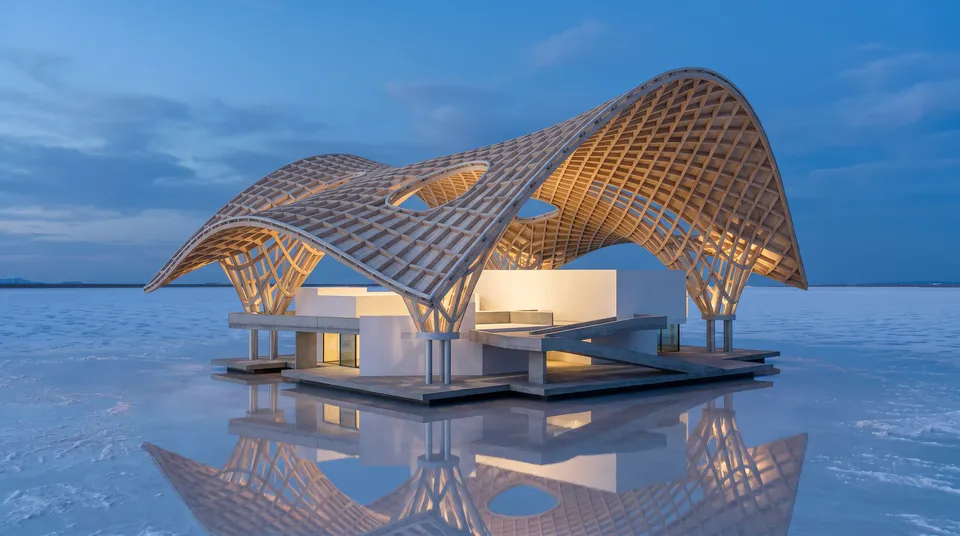
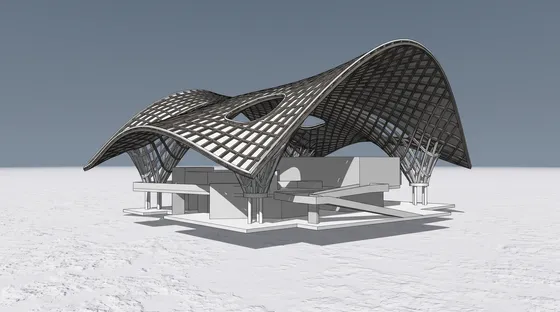
Add photo. A photo or render of a room or a building.
Pick surface, material, fidelity.
Press Run. The price is on the button and the result appears on the page.
Upscale, animate, or send it to Canvas.
Interiors
Good to know
You are not charged. The reserved credits return to your balance and the job card shows the refund.
Yes, on every paid plan. Images are saved to your Library.
The result is saved to your Library; if a run fails, the credits come back.