Skip to content
Product in a New Scene: afterProduct in a New Scene: before

Marketing studio

Give one product photo. Get the scene, the post, the cover and the video.

What do you want to make?

See all 36 templates
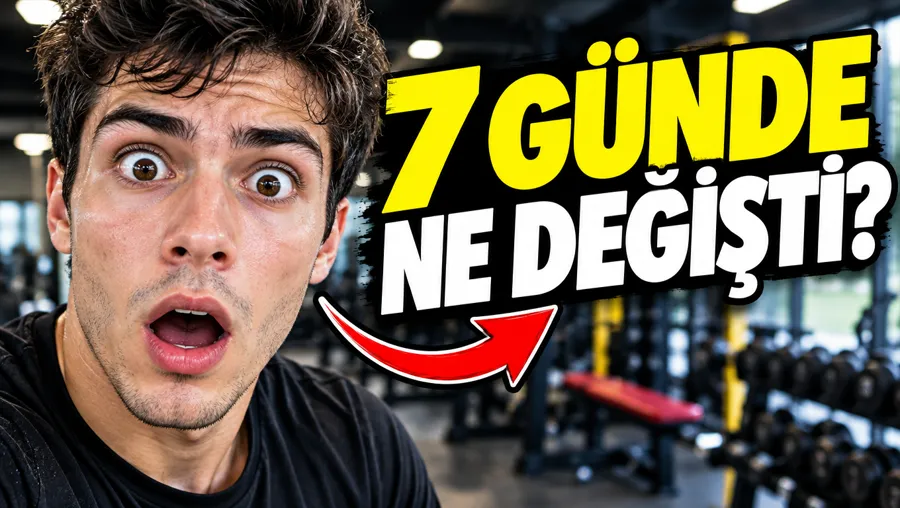
  • Sample design: ThumbnailThumbnail
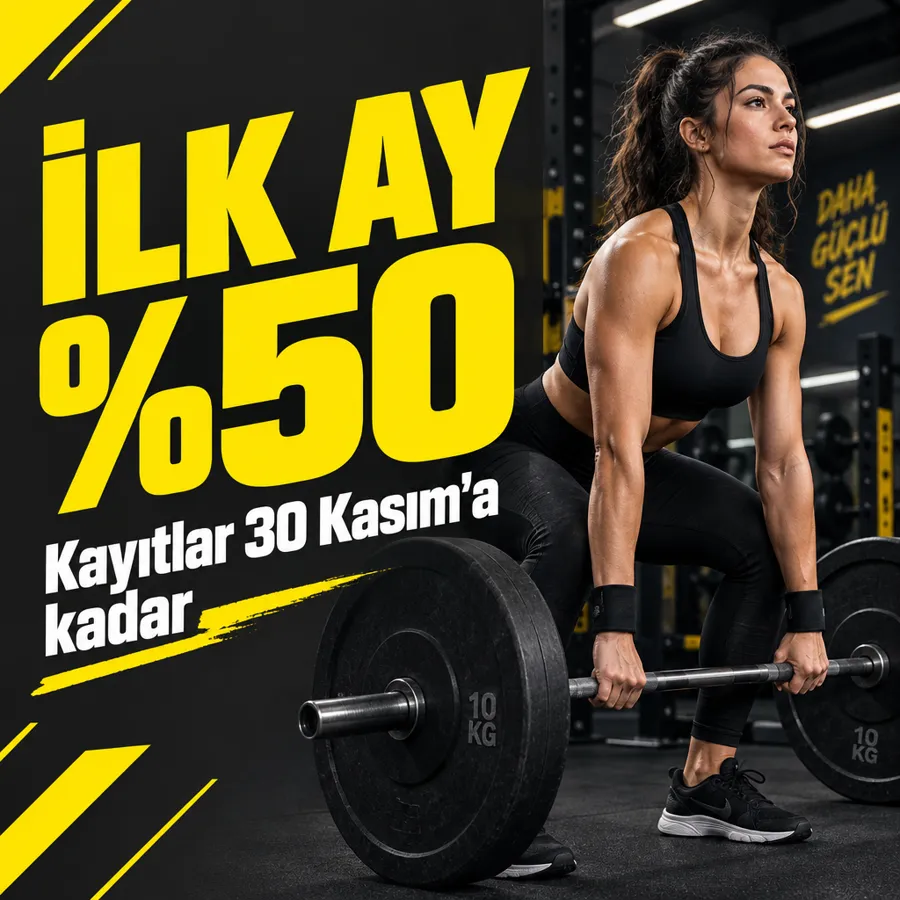
  • Sample design: PostPost
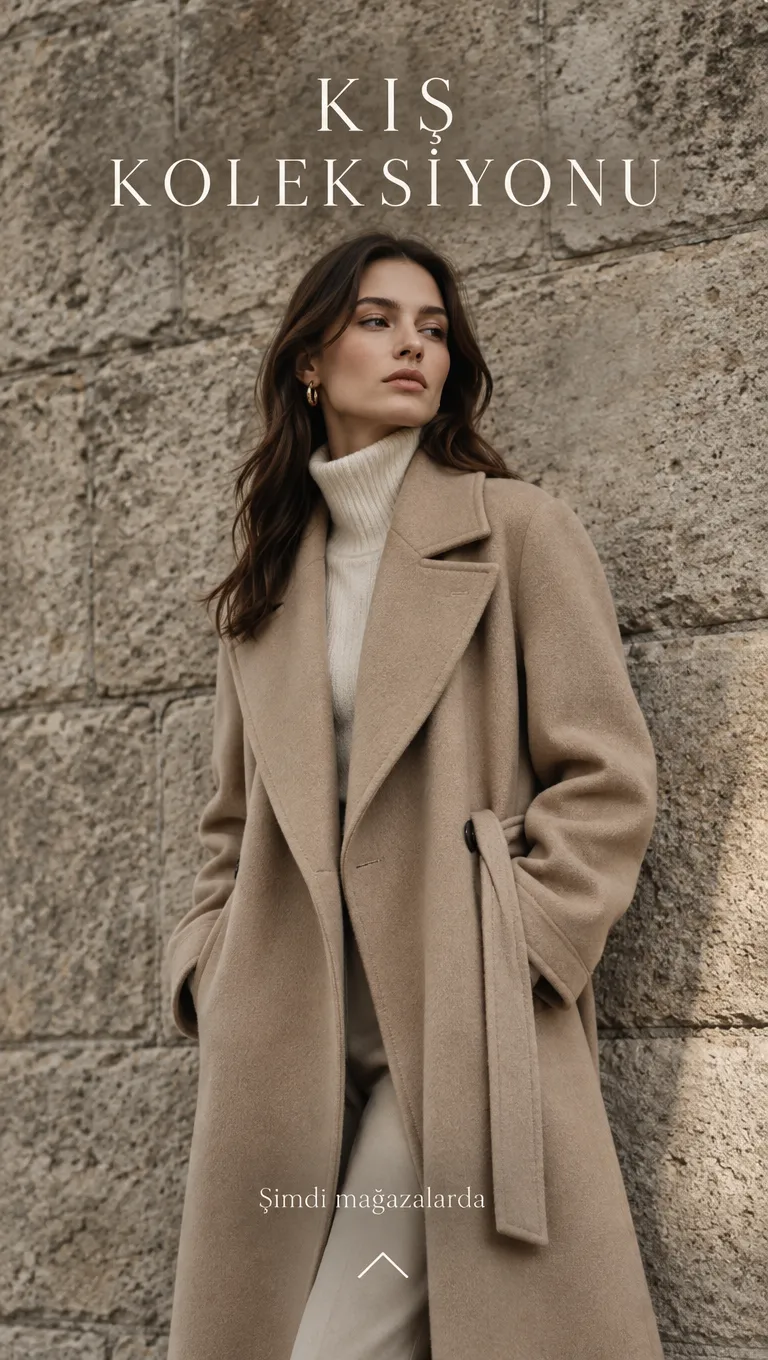
  • Sample design: Story coverStory cover
  • Sample design: PodcastPodcast
  • Sample design: BannerBanner
  • Sample design: PosterPoster
  • Product Spin: A full 360° turntable video from a single product photo. The product, the background and the light stay as they are.Product Spin
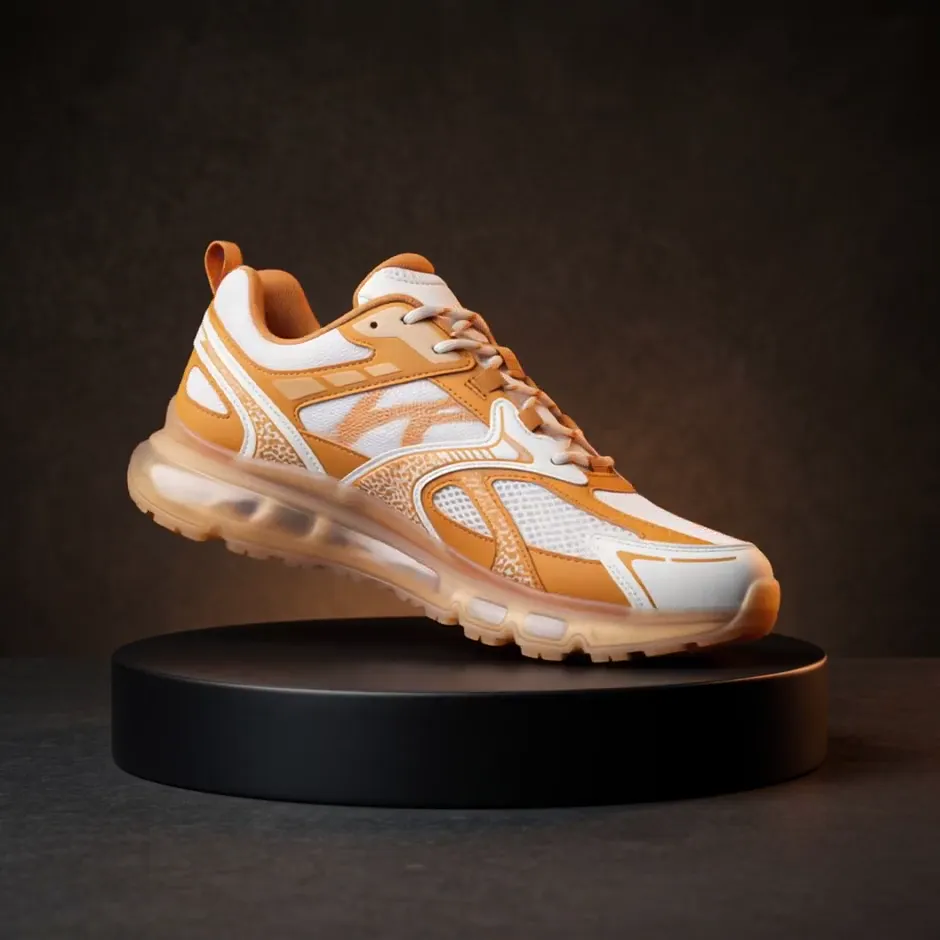
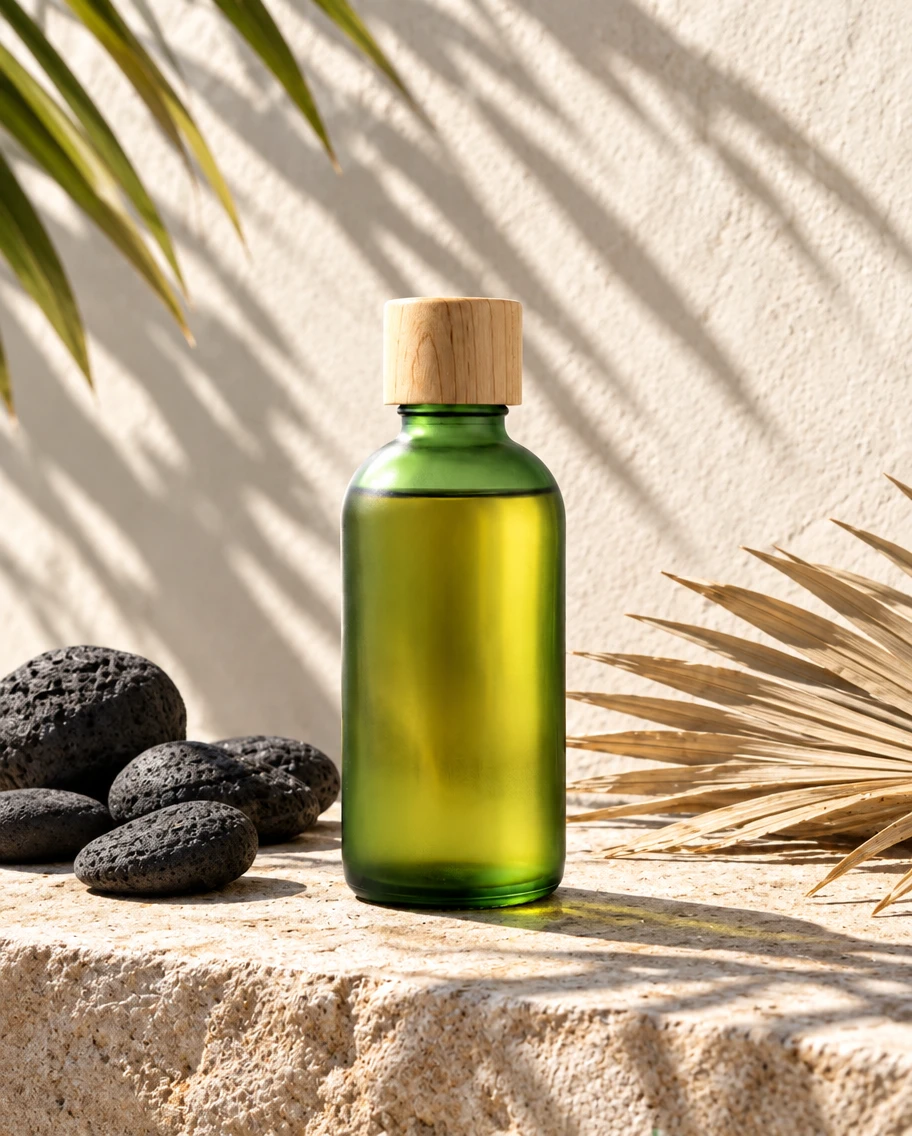
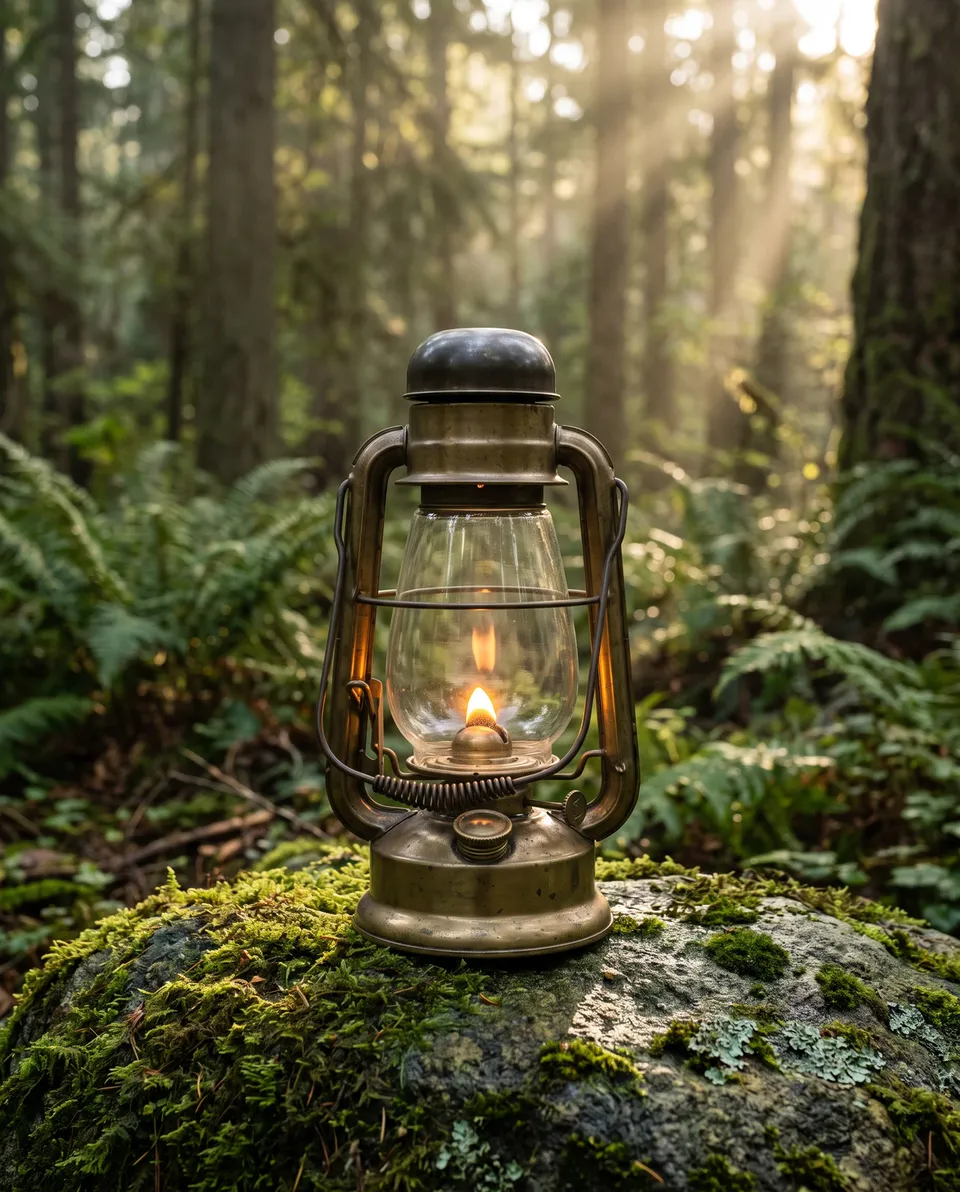
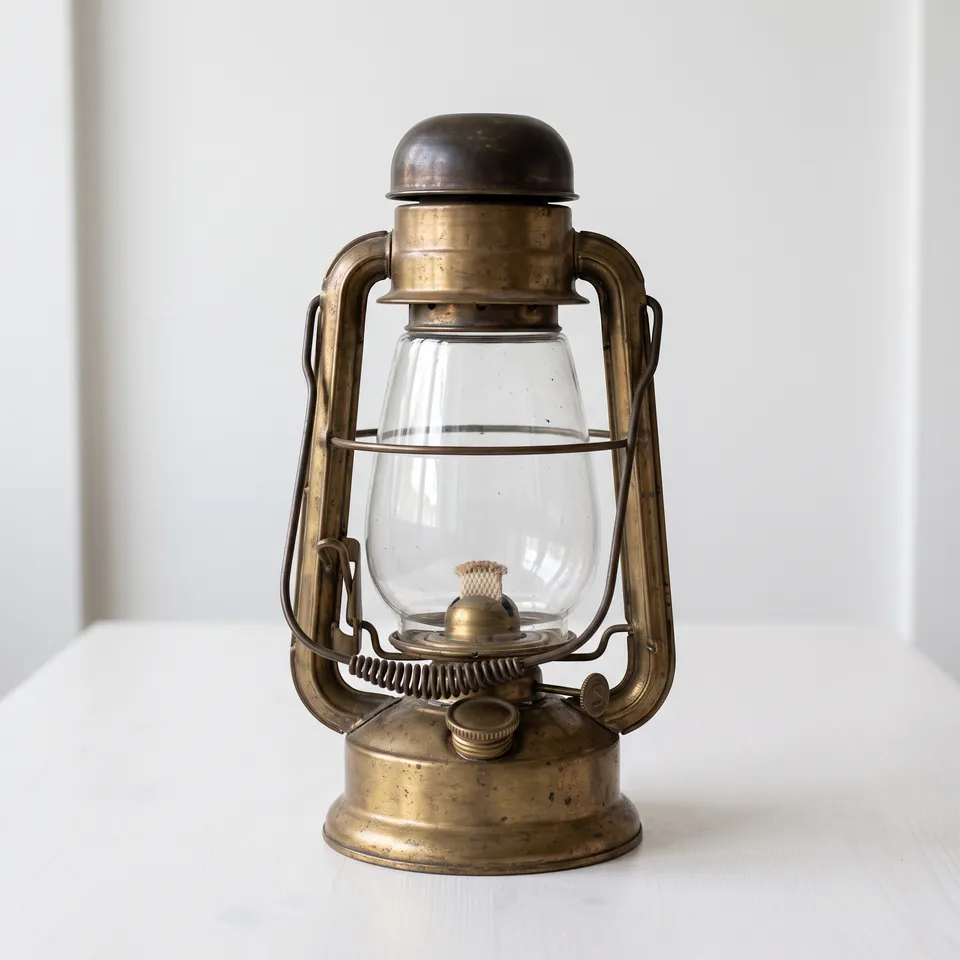
  • Product in a New Scene: Move your product out of the phone photo and into an advertising scene. The product itself stays untouched.Product in a New Scene
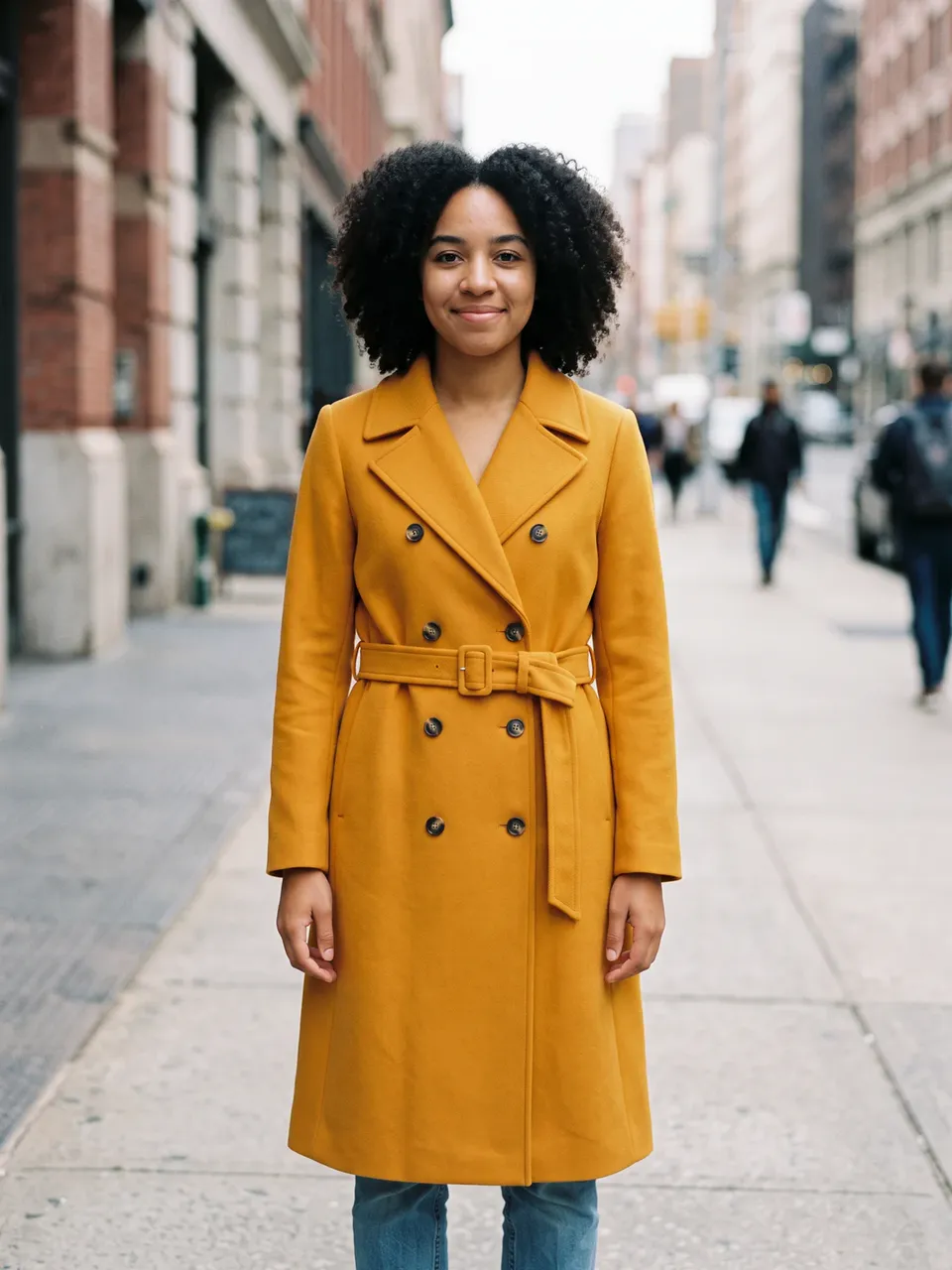
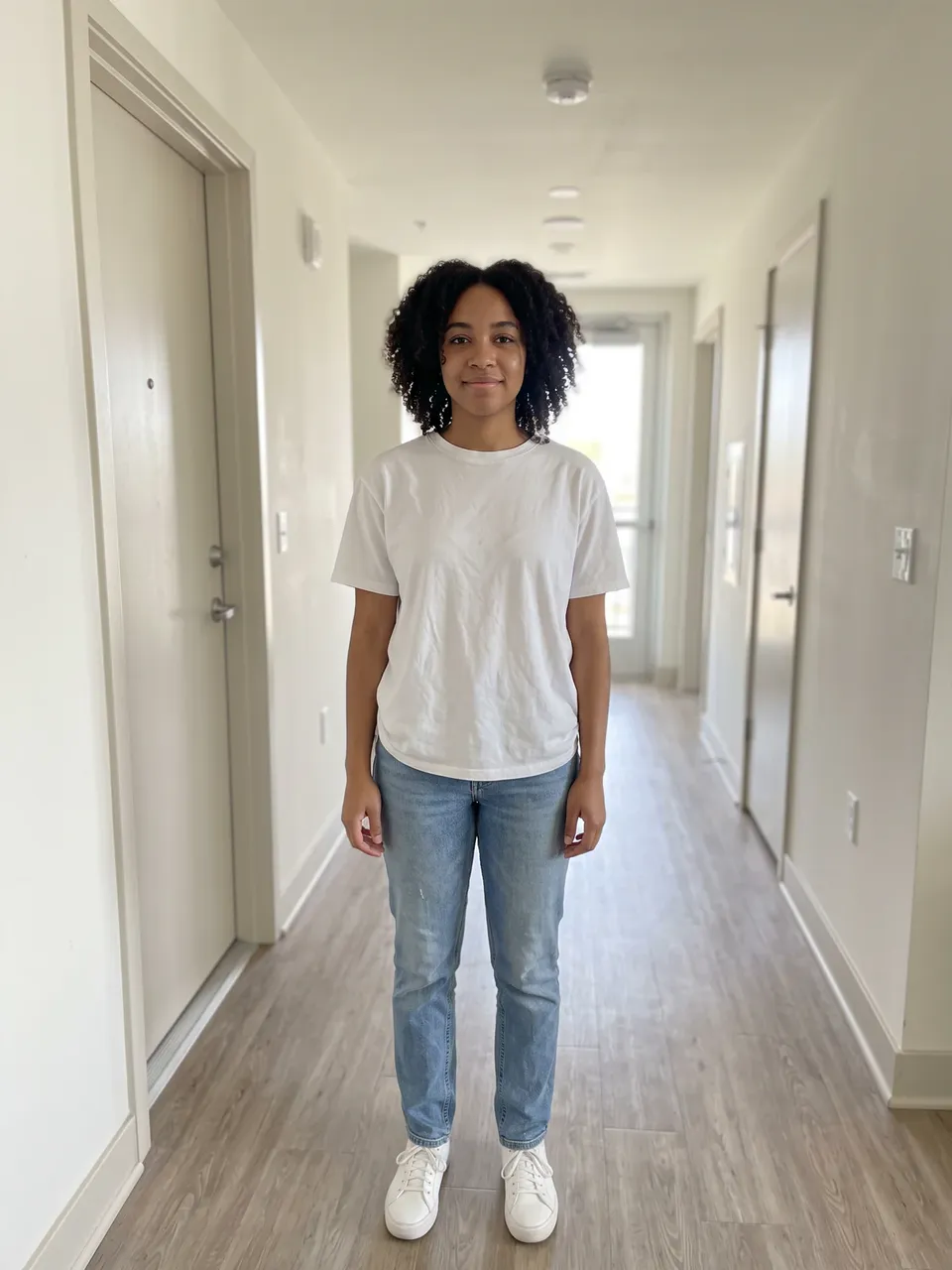
  • Outfit Try-On: See a garment on yourself before you buy. Upload your photo and a photo of the garment.Outfit Try-On
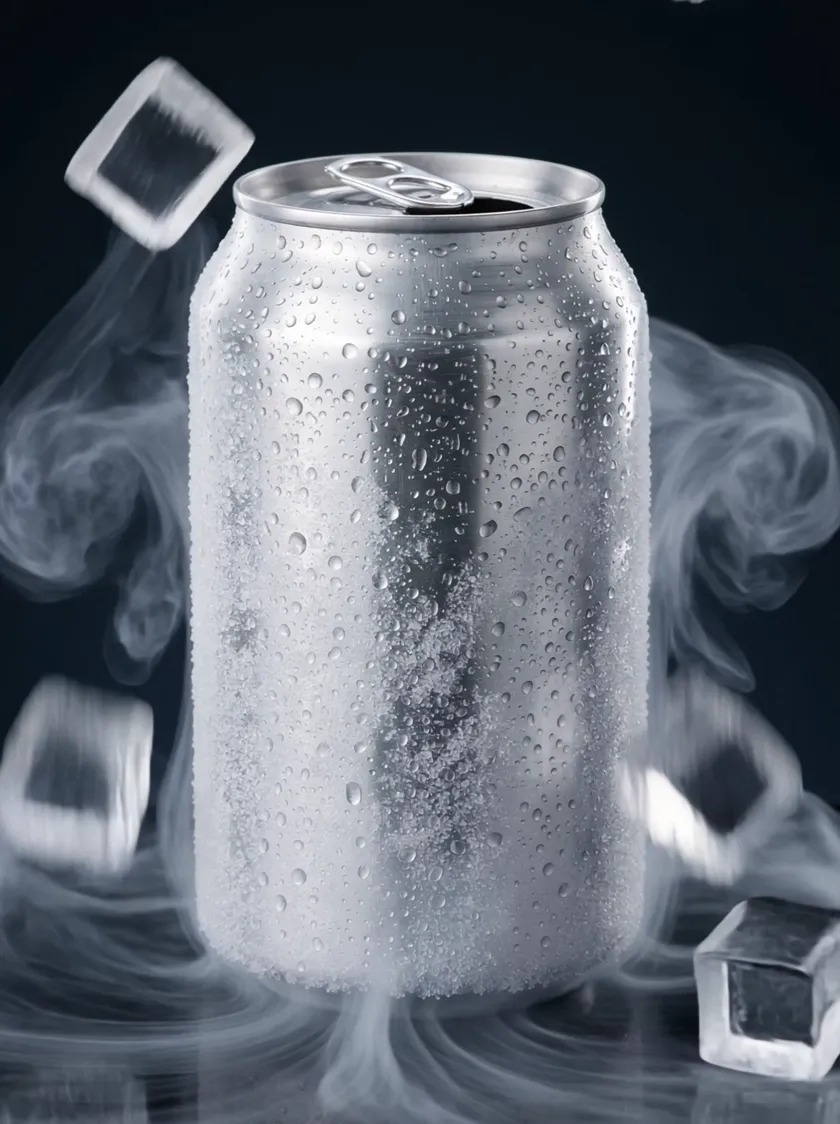
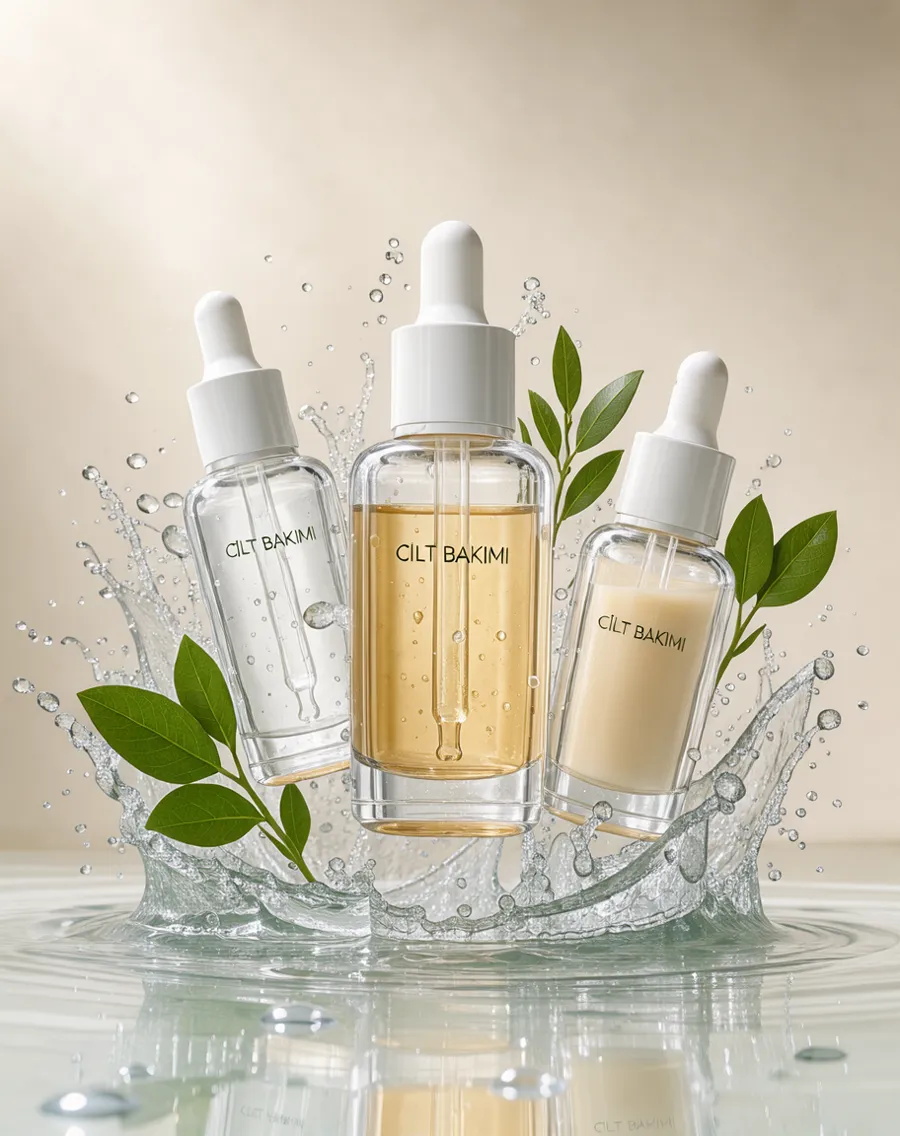
  • Product Reveal Effect: A dramatic effect around your product: a water splash, blooming flowers or drifting smoke.Product Reveal Effect
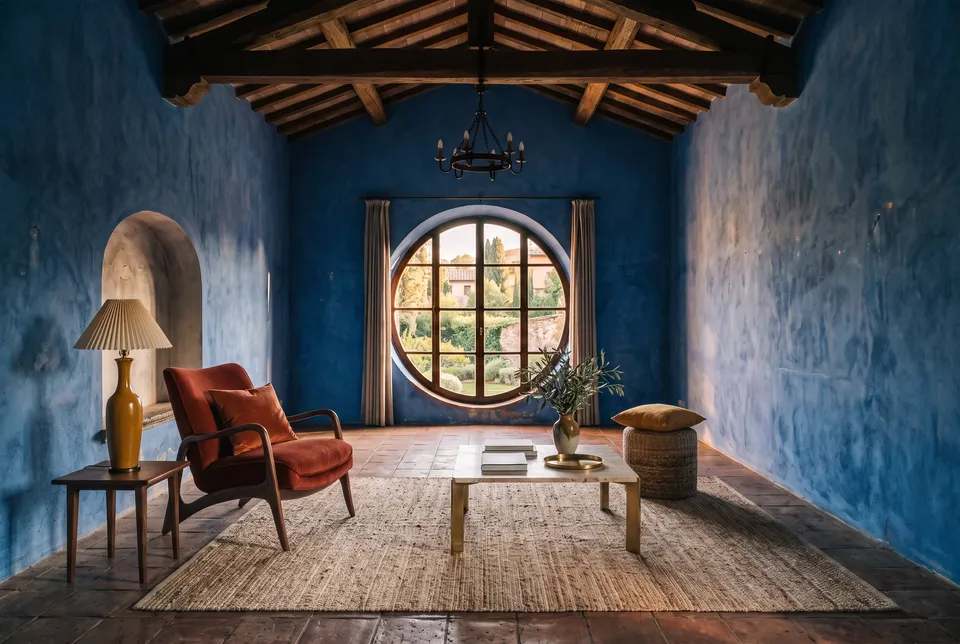
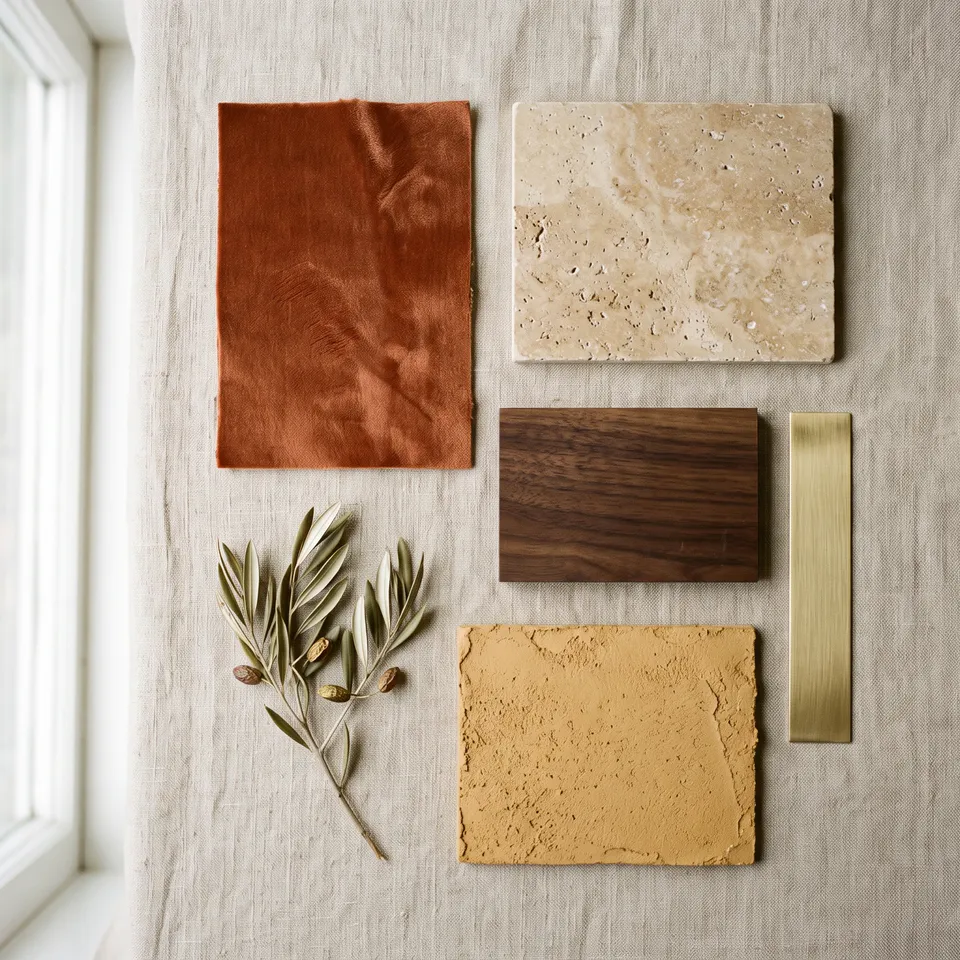
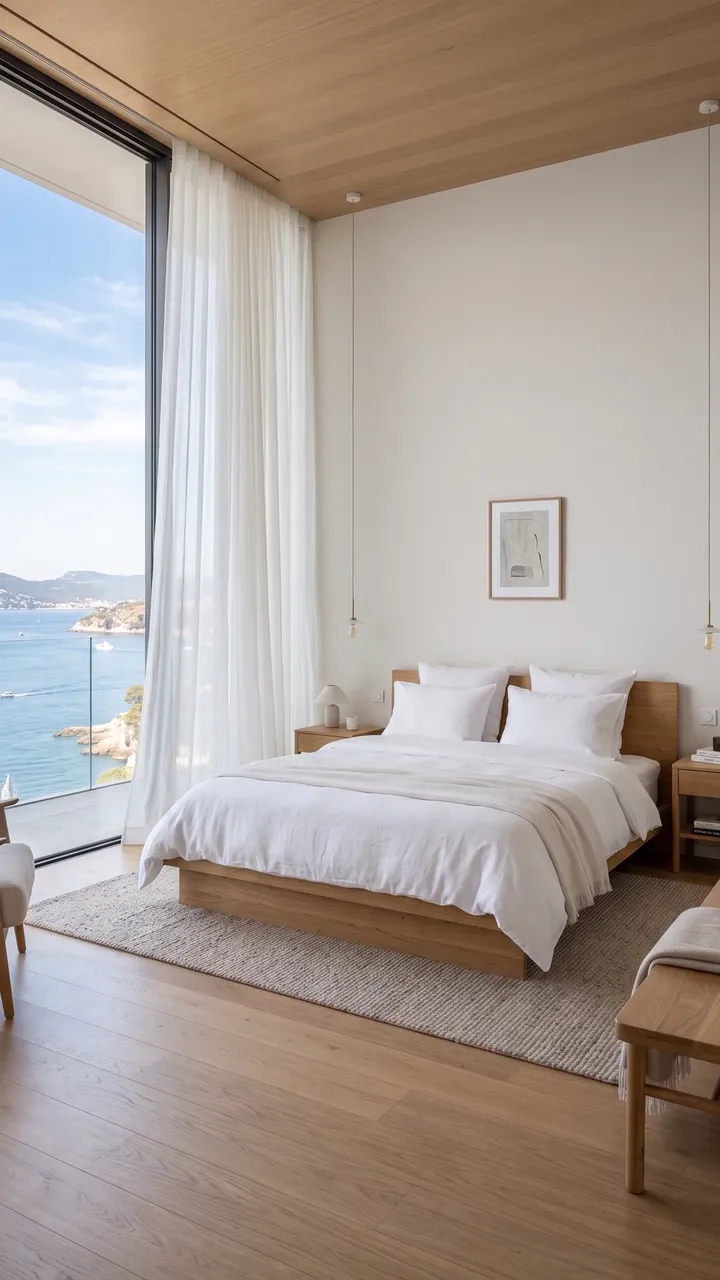
  • Moodboard to Room: Add the products or the moodboard you picked, and your room if you have one. Get a real interior photo built around exactly those pieces.Moodboard to Room
  • Real Estate Reel: Turn 3–10 project images and your logo into a 20–45 second vertical reel for Instagram and listings: gentle camera moves (or AI video), smooth transitions, your pReal Estate Reel
  • Product Shot: Studio light for any object. Upload a phone photo of the product and choose the set.Product Shot
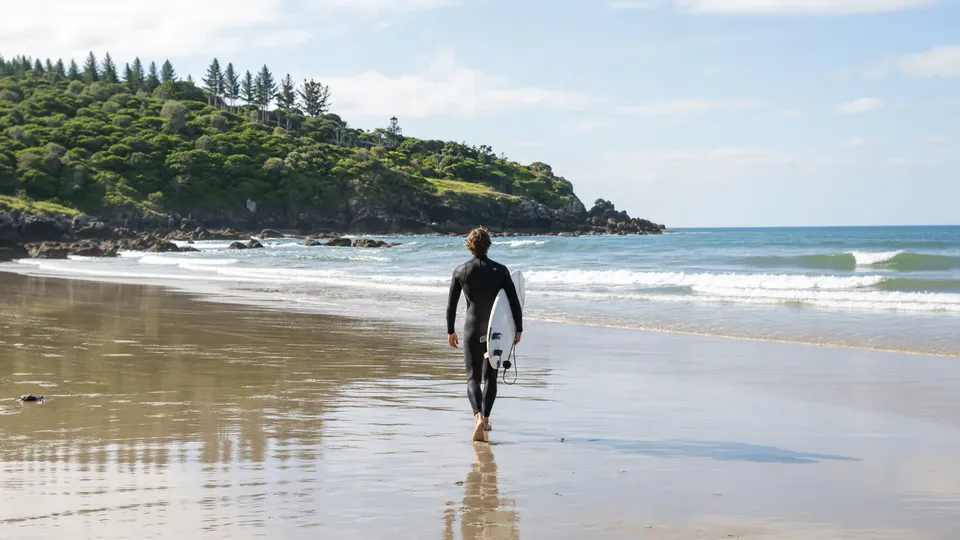
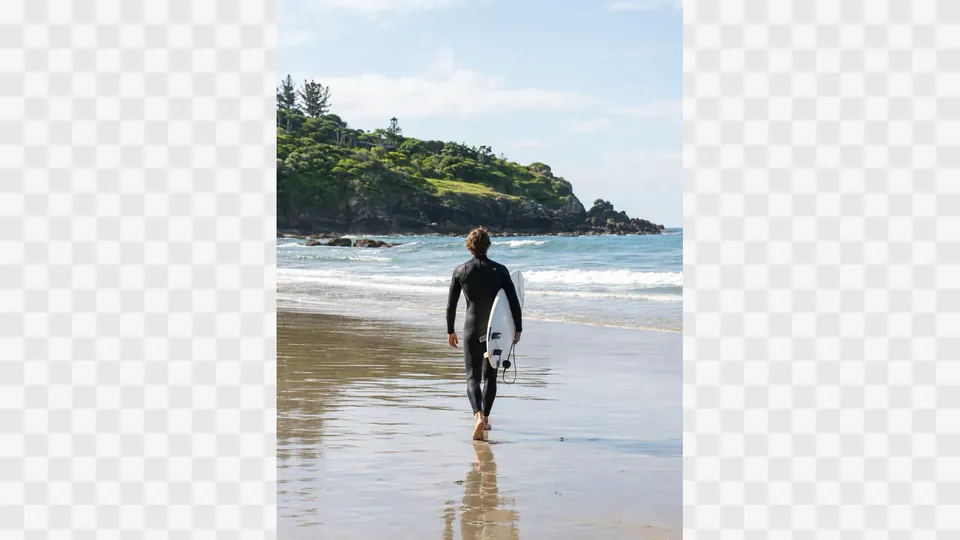
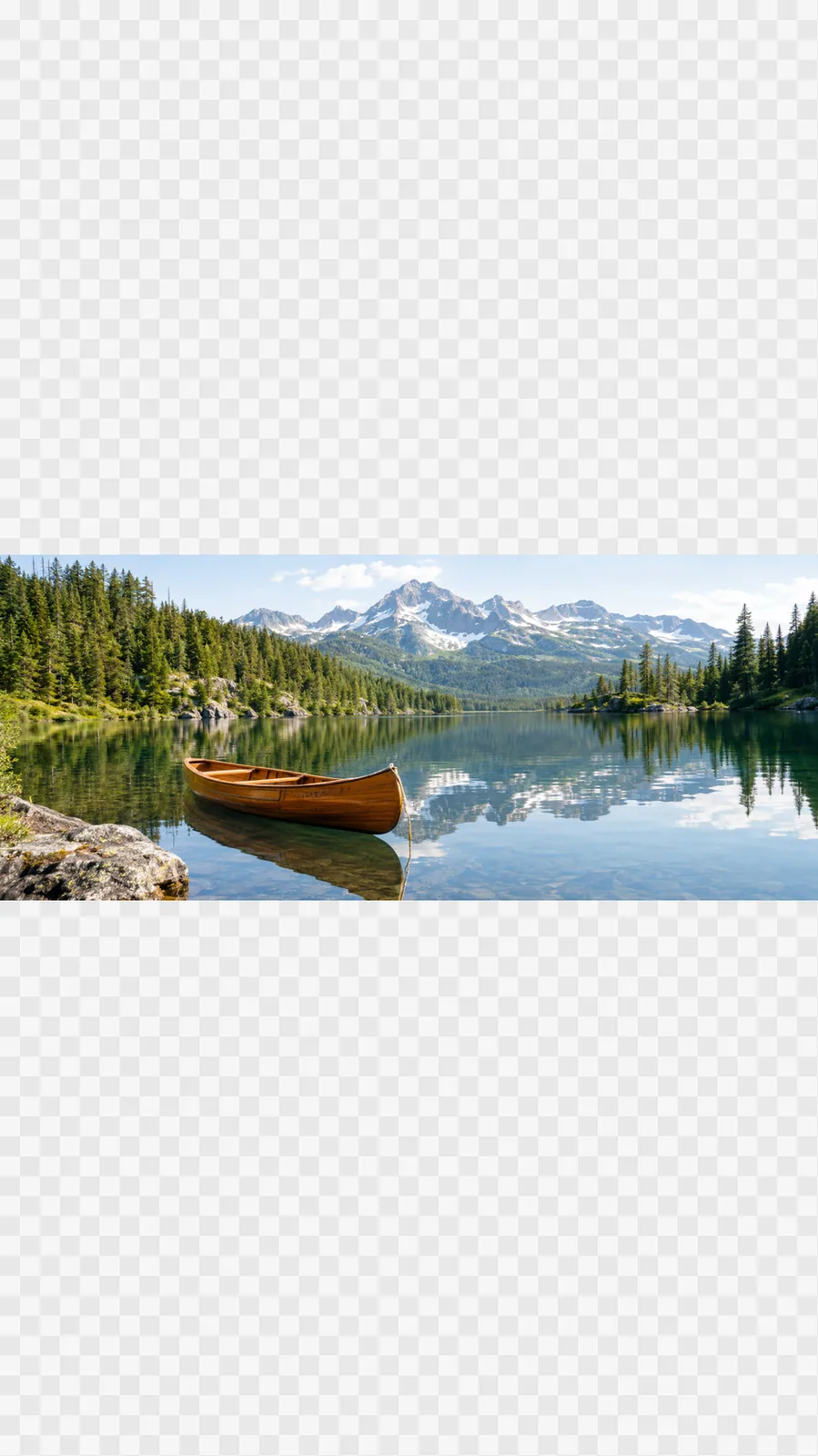
  • Expand to 16:9: Extend the picture to a wide 16:9 frame. New areas match the scene.Expand to 16:9
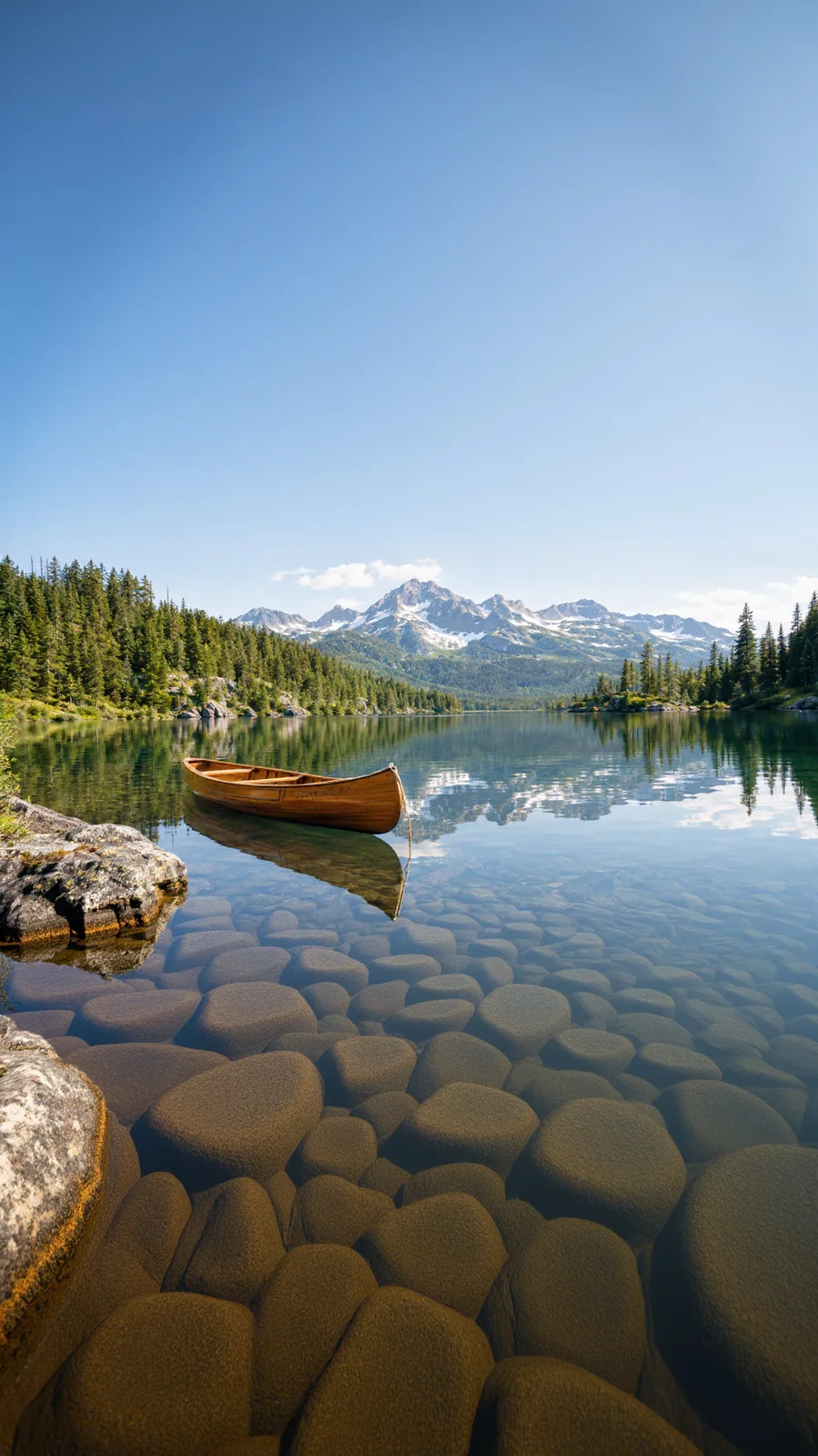
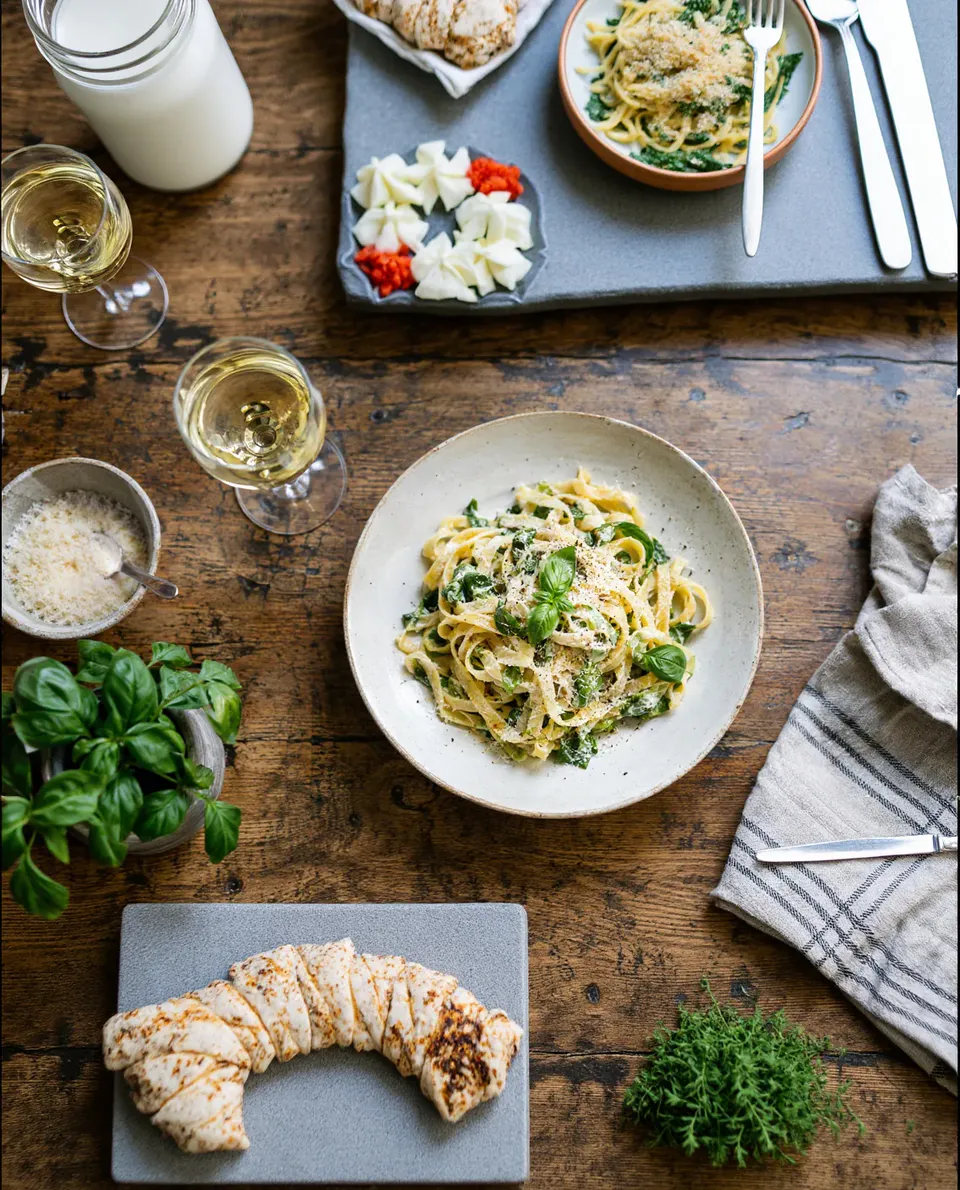
  • Expand to 9:16 Story: Grow the image upwards and downwards into a vertical 9:16 story frame.Expand to 9:16 Story
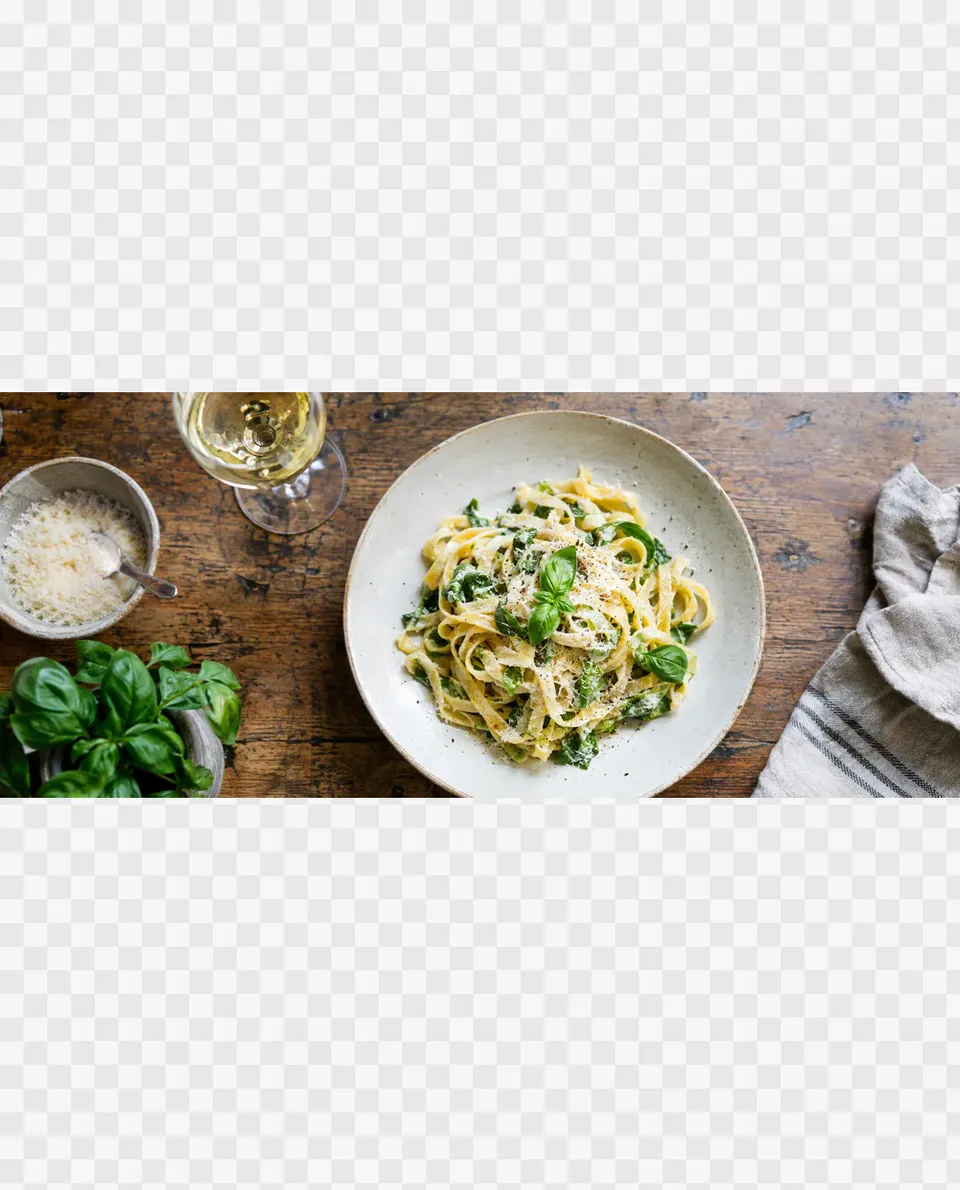
  • Expand to 4:5 Post: A 4:5 portrait frame for feed posts, filled in naturally.Expand to 4:5 Post
  • Style kits: one logo and look for every designStyle kits
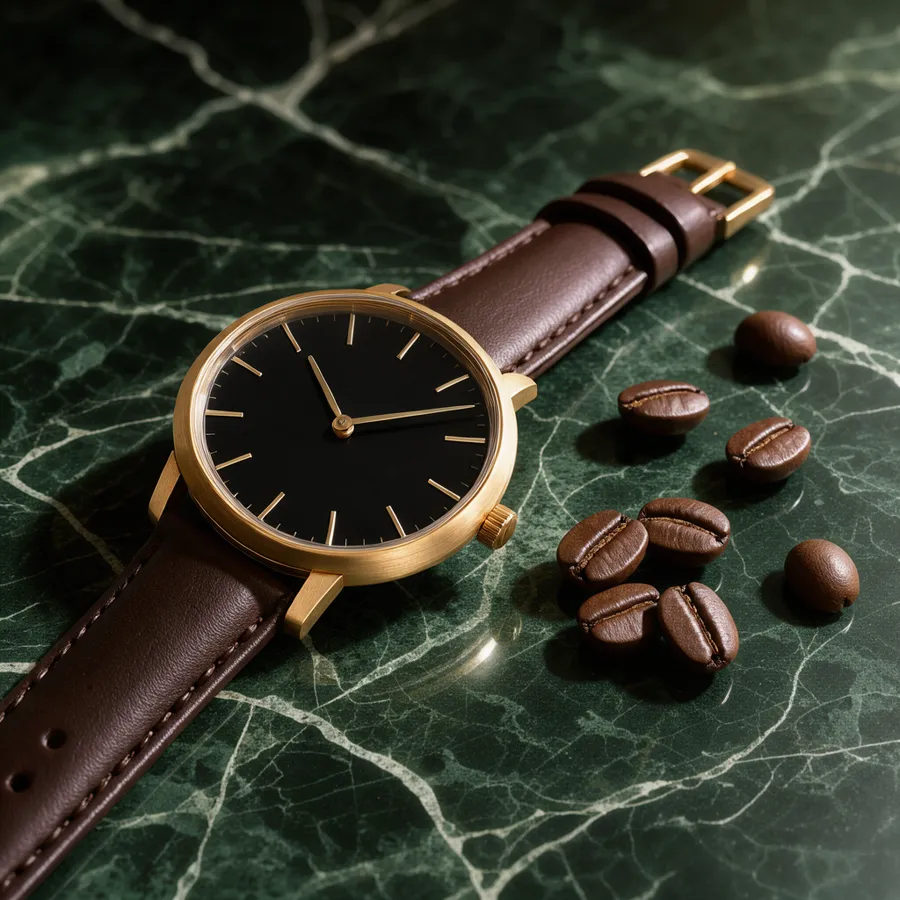
  • Upscale: a watch on green marble, sharp detailUpscale

From one product photo to the whole set

The same product as a photo, a scene, a post and a cover.
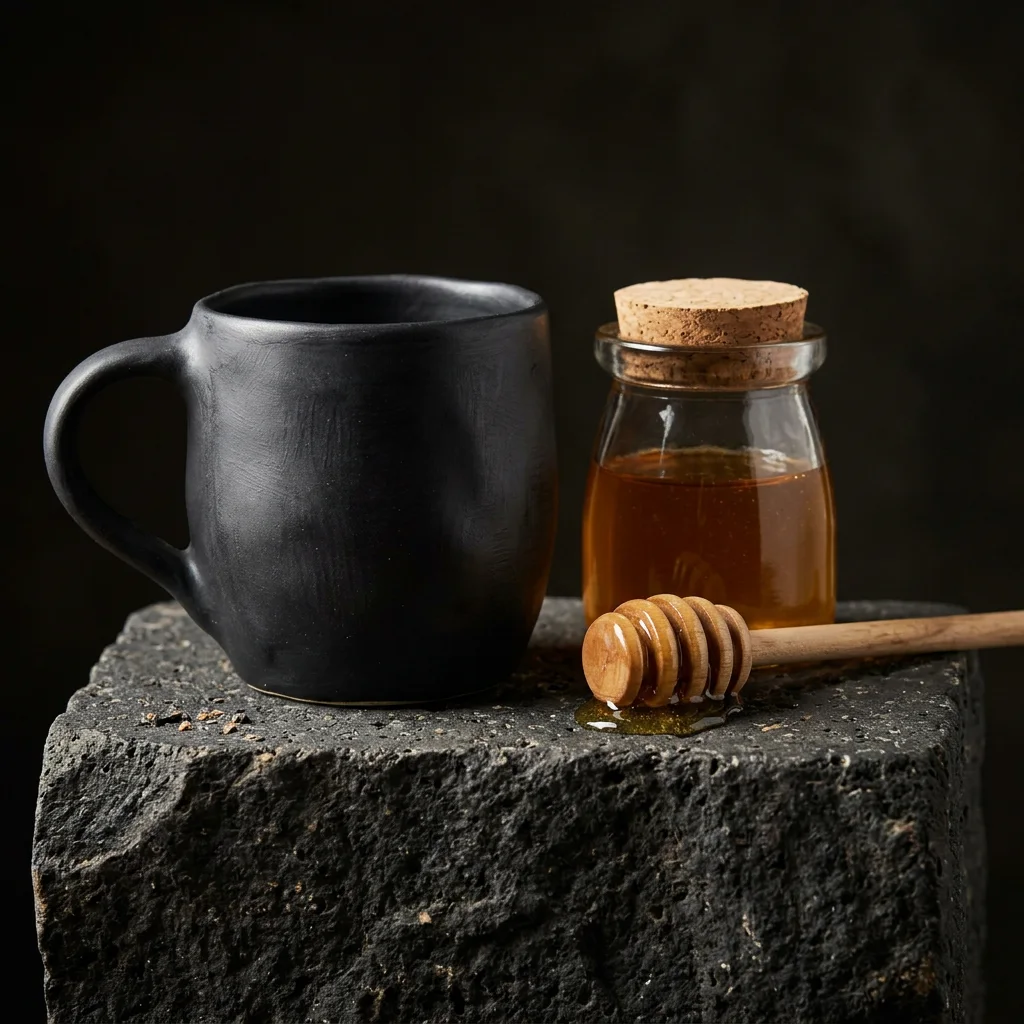
  1. Product photo: a black ceramic mug on basalt stone1Product photo
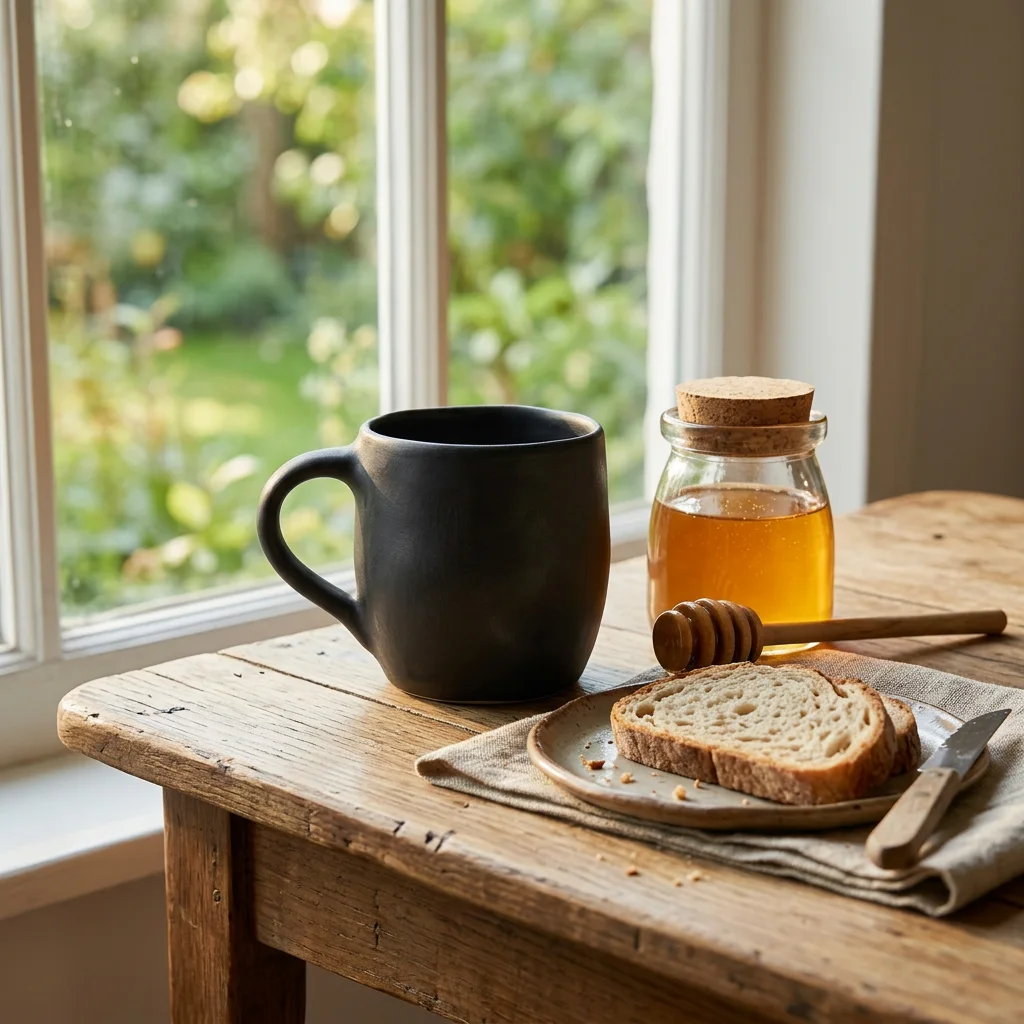
  2. The same mug placed on a breakfast table by the window2Scene
  3. Sample social post design3Post
  4. Sample cover design4Cover

A presenter for your product

One portrait and your voice-over become a talking presenter.

Try with OmniHuman 1.5
  • Sample frame: a presenter showing a product to the cameraAI presenter
  • Sample frame: a presenter showing a product to the cameraAI presenter
  • Sample frame: a presenter showing a product to the cameraAI presenter
  • Sample frame: a presenter showing a product to the cameraAI presenter
Batch-create with your agentAgents

Make your first campaign visual

Start creating

No card needed to start · failed creations are refunded

Questions, answered

What do I need to start?

One product photo or a short brief. Templates and design tools do the rest.

Which formats can I make?

Thumbnail, post, story cover, square cover, banner and poster, each at its real size.

How much does it cost?

Each template and design shows its credit price before you run it. If a run fails, your credits come back.