3:42K
Subscribers onlyPrompt hidden
Meta’s flagship image model: plans the layout before it draws, renders clean text, charts and infographics, can look up current facts and visual references, and edits or combines up to 10 reference images.
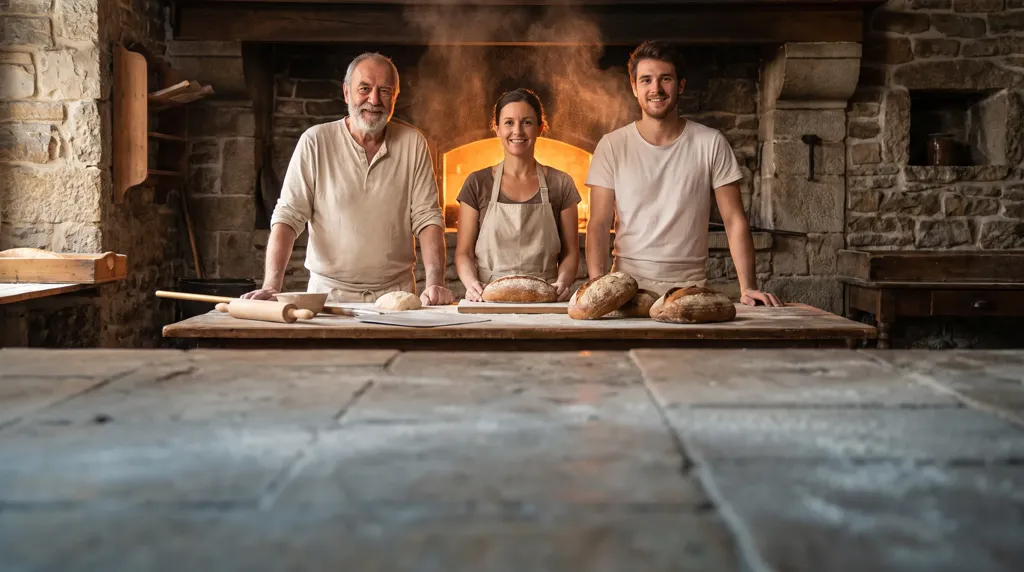
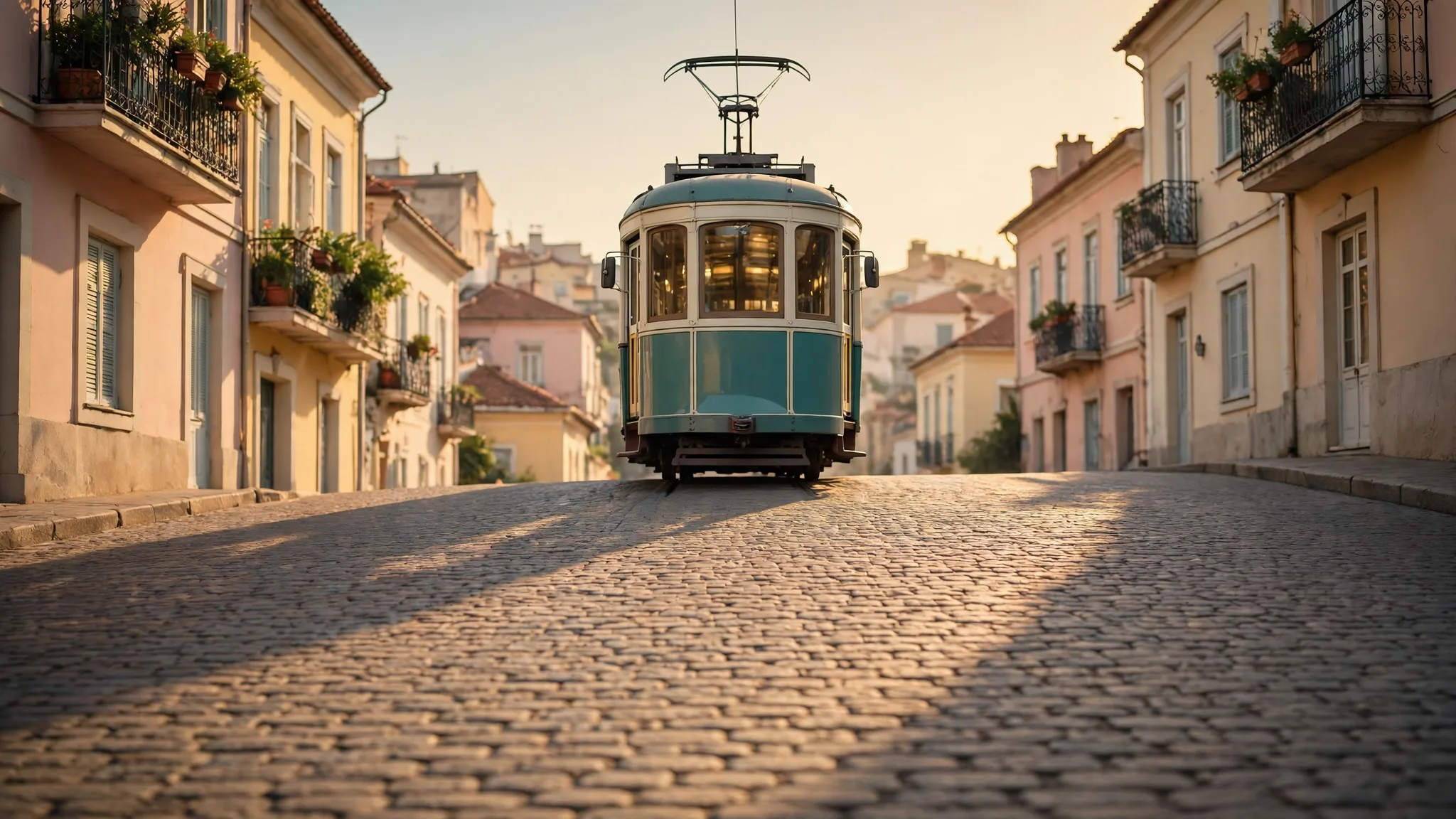
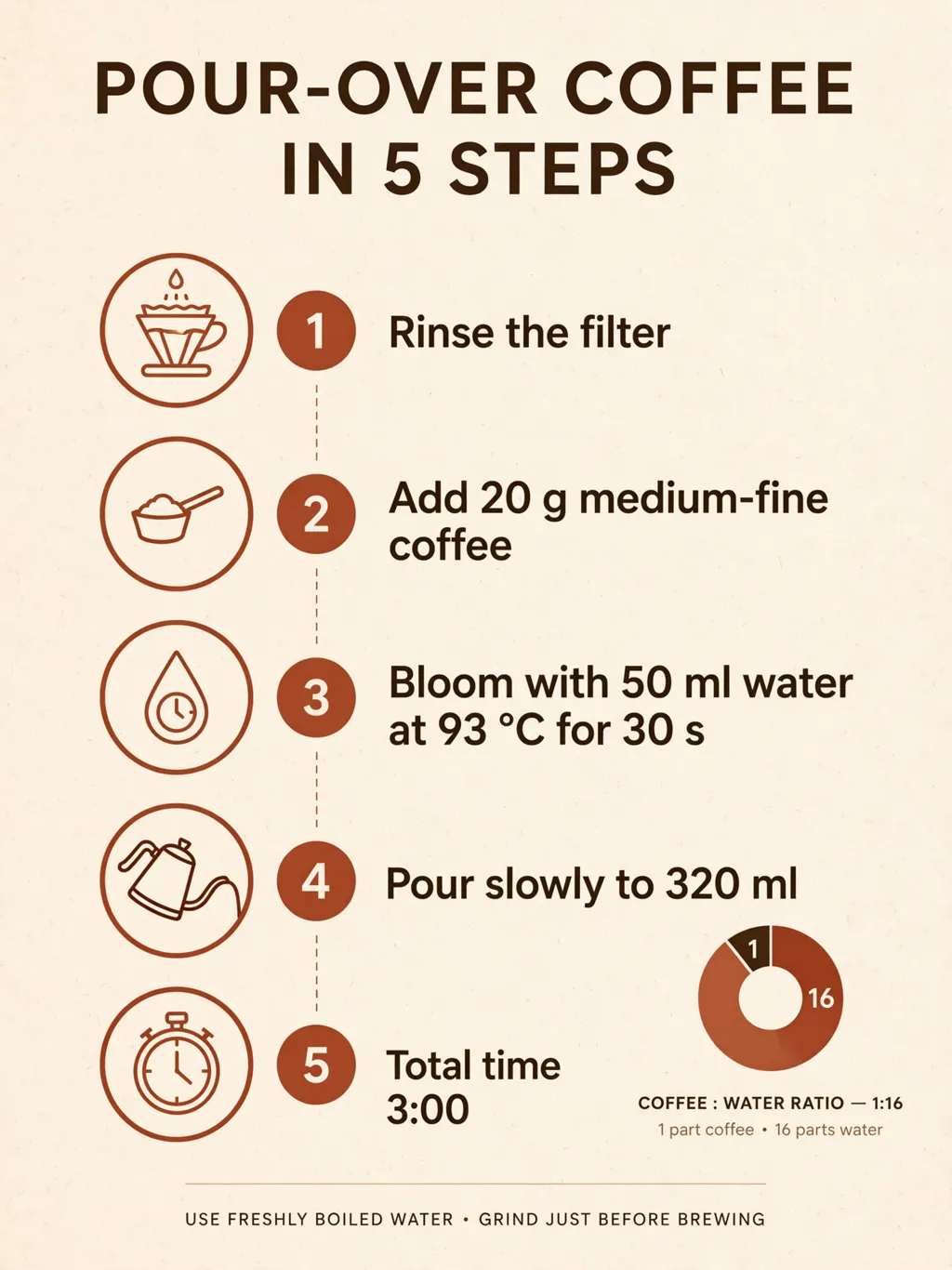
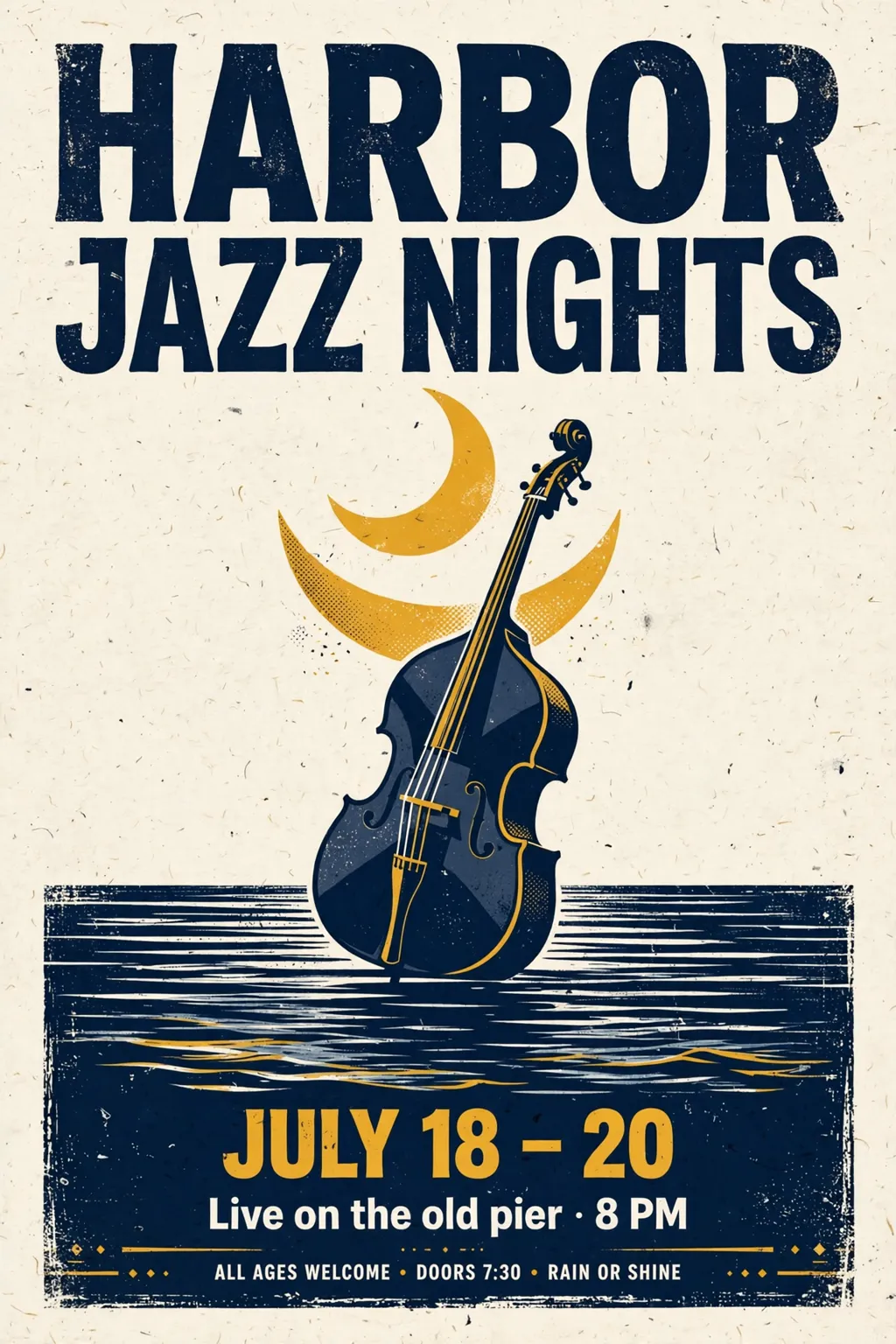
Examples from the fcaai team
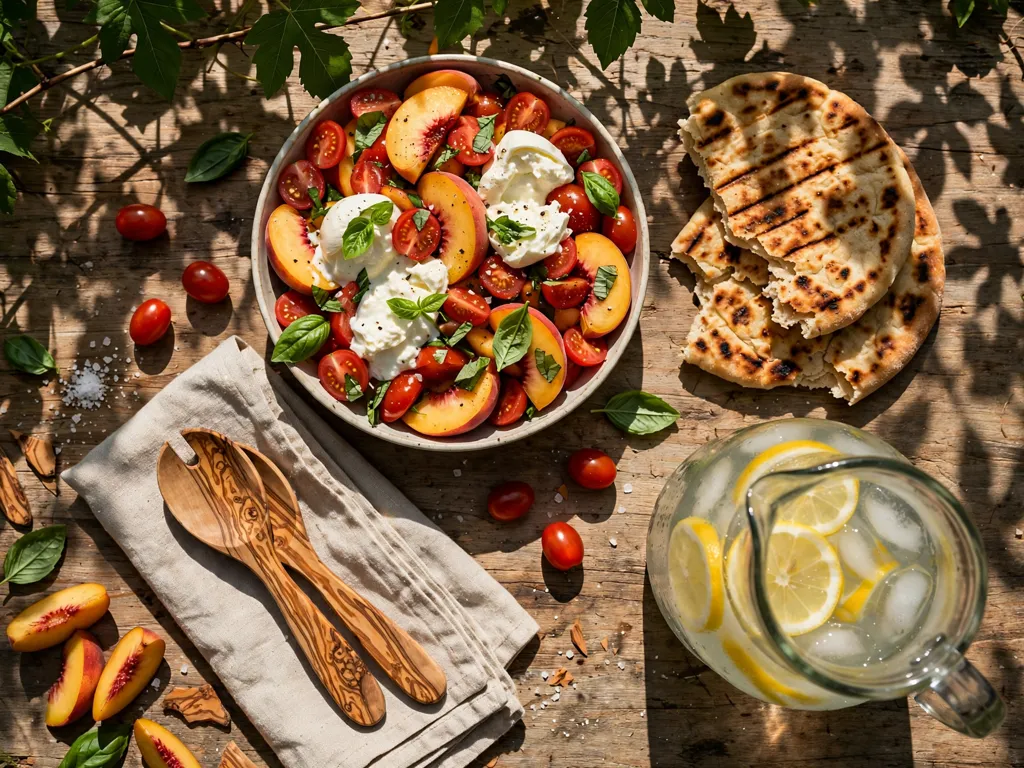
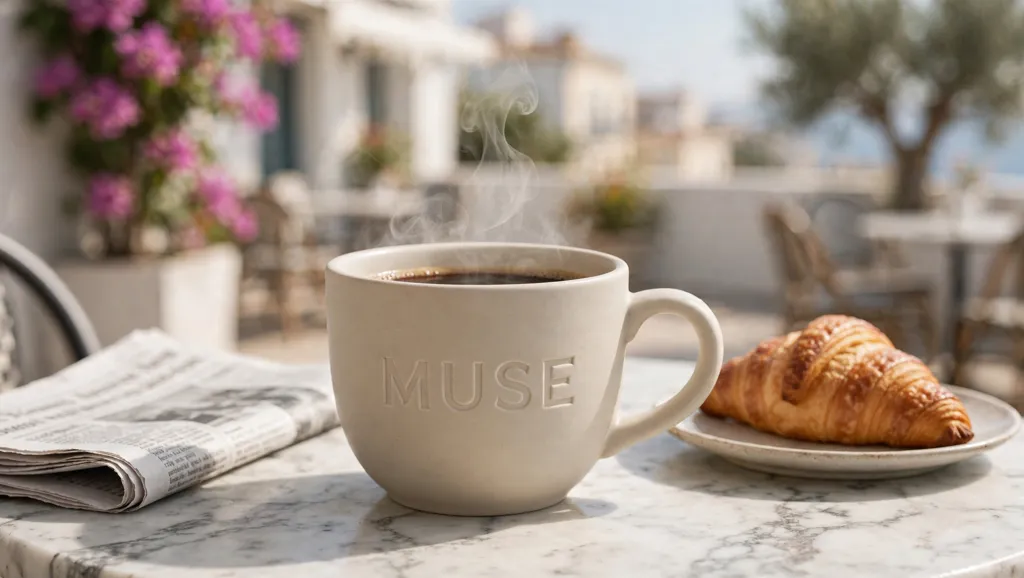
A failed run is refunded automatically.
Same model, same balance. Call it over the REST API or let your agent use it through MCP.
meta/muse-imagecurl https://api.fcaai.ai/v1/generations \
-H "Authorization: Bearer $FCAAI_KEY" \
-H "Content-Type: application/json" \
-d '{
"model": "meta/muse-image",
"input": {
"prompt": "Glass villa on an Aegean cliff at blue hour, travertine terrace, infinity pool catching the last light, 35 mm",
"aspect_ratio": "16:9",
"resolution": "2k"
}
}'Details
Meta Muse Image is Meta’s flagship image model. Before it draws, it plans the layout, can look up current facts and visual references on the web, and can work out charts and tables, so posters, infographics, product visuals and text-heavy designs come out structured and readable. Attach up to 10 images to edit one photo or combine several into a single picture.
A wide 16:9 hero with your headline set cleanly in the image.
Give the figures and labels; Muse lays them out as a readable chart or diagram.
Attach a product photo and place it in a styled setting with matching light.
Attach a photo and ask to remove an unwanted person or object while keeping everything else.
Meta Muse Image takes your inputs, runs with the settings you choose and puts the result in your Library. Failed runs are refunded automatically.
What works best with Meta Muse Image.
Per run. Studio is priced in credits (1 credit = $0.01); the API column is the developer rate in US dollars, billed from the same balance. Failed runs cost nothing.
| Settings | Studio (credits) | API (USD) |
|---|---|---|
| 2Kdefault | 2 cr | $0.013 |
Estimates at list price; the exact price is on the Generate button before you run.
Every setting works the same in Studio, Canvas, mobile and the API; the options come from one source.
Pick the shape for where the result will be used: 4:5 for posts, 16:9 for covers, 9:16 for stories.
Same model; the developer API is billed in US dollars. POST /v1/generations with the model id below, then poll GET /v1/generations/{id}?wait=60 or use a webhook. GET /v1/models/{id} returns the price for your settings without running anything.
curl https://api.fcaai.ai/v1/generations \
  -H "Authorization: Bearer $FCAAI_KEY" \
  -H "Content-Type: application/json" \
  -d '{
  "model": "meta/muse-image",
  "input": {
    "prompt": "Glass villa on an Aegean cliff at blue hour, travertine terrace, infinity pool catching the last light, 35 mm",
    "aspect_ratio": "16:9",
    "resolution": "2k"
  }
}'| Field | Type | Values |
|---|---|---|
| promptrequired | string | ≤ 32,000 |
| images | array | up to 10 |
Your turn
The price is on the button before you press it; failed runs are refunded.
Prompt only. The model builds the scene from your words.
An image plus a sentence: what to change and what to keep.
Pulls characters, objects, motion or rhythm from separate files that you mention in the prompt.
Write the subject, setting, light and mood. For a design, give the exact words you want to see in quotes and say where they go.
Attach up to 10 images. With one image, describe only the change; with several, say what each one contributes (the product, the person, the style).
Pick one of 8 aspect ratios, or Auto to keep the shape of your image when editing. Every ratio renders at about 2.5 MP.
Run it, then send the result back as a reference with the next instruction to adjust one detail at a time.
Higher resolutions take longer and use more credits.
Several variations from one prompt; credits multiply with the count.
What Meta Muse Image accepts and the limits that apply. Everything here comes from the model’s catalog entry.
| Input | Required | Limit | What it’s for |
|---|---|---|---|
| Text prompt | Yes | 32,000 characters | Describe what you want in plain words: the subject, the setting, the light and the style. |
| Source image | No | 1 | The image to work on. A sharp, well-lit picture gives the best result. |
| aspect_ratio | string | 1:1 · 16:9 · 9:16 · 3:2 · 21:9 · 4:3 · 3:4 · 2:3 |
| resolution | string | 2k |
| count | integer | 1–4 |
Up to 10.
1:1, 16:9, 9:16, 3:2, 2:3, 4:3, 3:4 or 21:9, or Auto when editing.
About 2.5 MP for every ratio, for example 2048 × 1152 at 16:9.
No. There is no seed; run it again or refine the result with a follow-up edit.
The price depends on the settings you pick and is shown on the Generate button before you run. The pricing table below lists typical image prices for Studio in credits (1 credit = $0.01) and for the API in US dollars.
You are not charged. The reserved amount returns to your balance automatically.
Yes. Use the model id shown in the API section with POST /v1/generations. Add "dry_run": true to get a price quote without running.
Yes, on every paid plan. The Free plan is for personal use.
Yes. Meta Muse Image is available as a node in Canvas and in every template that uses it.